
Scroll for zooming over the pictureClick on the picture for zooming
/
description
English version!
Swinging campus adventures for the best role-playing game in the world.
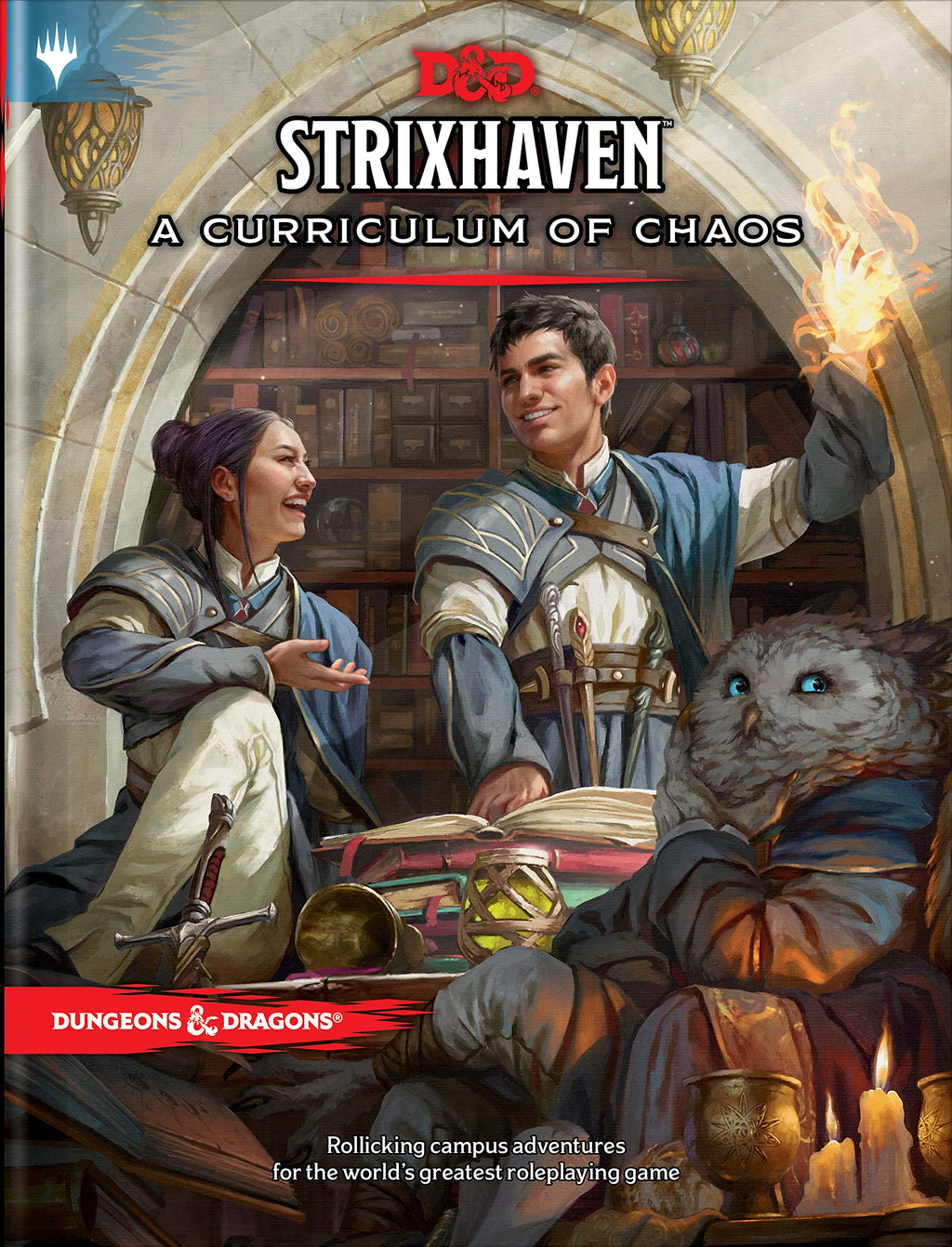
The greatest minds of the multiverse meet at Strixhaven University. Professors impart fantastic secrets to eager students, and life on campus is hectic. But danger lurks here too. Campus shenanigans mix with mishaps and sinister plans, and it's up to you to save the day.
Strixhaven: A Curriculum of Chaos introduces the fantastical world of Strixhaven University in Dungeons & Dragons, taken from the multiverse of Magic: The Gathering. It also provides rules for creating characters who are students at one of the five colleges.
Characters can explore the setting over the course of four adventures that can be played together or individually. Each describes an academic year filled with scholarly pursuits, campus escapades, exciting friendships, hidden dangers, and maybe even romance.
Includes four brand-new D&D adventures that can be played standalone or combined into a level 1-10 campaign
Adds a new playable race - an owlman, one of the owl creatures that study at the university.
Includes a bestiary of over forty magical creatures and NPCs
Experience D&D in new ways through the academic challenges, extracurricular activities and jobs, and relationships explored on campus
Includes a beautifully illustrated double-sided poster map showing the Strixhaven campus on one side and key locations on the other
Attend an elite magical university, choose your college and embark on adventures all the way to graduation
Adds new player character options, including skills and new backgrounds for freshmen at Strixhaven.
Not a children's toy
WARNING! Not suitable for children under 36 months due to small parts that may be swallowed.
Manufacturer Information
Name: Hasbro European Trading BV
Address: Hasbro European Trading BV, De entr�e 240, 1101 EE Amsterdam, Netherlands
Website: https://consumercare.hasbro.com
European Manufacturer: Yes
Matching items
Recently viewed
Opens in a new window
PayPal Pay Later Messaging
Step 1: Choose message placement
Click the button below and then hover over your page to select a placement.
Step 2: Paste and save
You have copied the placement for the Product Page.
Go back to the App Embeds section, and in the Paypal Advanced Settings, paste the copied value into the
Product Page field and click the 'Save' button in the top right corner.